
PRIVATE CINEMA / PLANAR
Planar Cobra and Komodo offer different paths to a home video wall. Start with your room, content and viewing expectations, then compare the configuration, pixel pitch and processing.
Both invite a closer look than a headline pixel pitch. Read the architecture claims carefully, calculate the finished canvas and evaluate the complete processing path. That makes the differences easier to discuss without treating one feature as a universal verdict.
IN THIS ARTICLE
01
Cobra: understand what pixel redundancy means.
Planar positions Cobra around its EverPixel architecture and TruMicro LED technology. Its pixel redundancy is intended to provide resilience at the pixel level. It does not double the native image resolution, and it is not a reason to skip a demonstration of actual content.
The current Cobra range lists nominal 0.6, 0.7, 0.9 and 1.2 mm pitches. Compare a specific SKU, brightness setting and source chain rather than assuming the whole family has one specification. Ask how servicing and warranty coverage apply to the complete installed system; terms from another Planar product family should not be carried over automatically.

Planar’s Cobra illustration showing its EverPixel and TruMicro architecture. Manufacturer graphic.
Planar explains Cobra.
Manufacturer product presentation from InfoComm 2026. Use it as an introduction, then review the selected SKU and a live demonstration.
02
Komodo: consider the surface and the signal path.
Komodo combines COB MicroLED display technology with Megapixel HELIOS processing. The range includes nominal 0.7, 0.9 and 1.2 mm options. A cinema or art-room design should connect that cabinet choice to the sources, processing and calibration rather than treating the display surface as a complete system by itself.
Planar’s stated color-gamut coverage is a performance specification, not DCI cinema certification. Likewise, high-frame-rate operation depends on the supported input, processor and mode; it is not a promise that every source runs at every resolution and refresh rate. Put the required film, sports or gaming formats in the project brief.
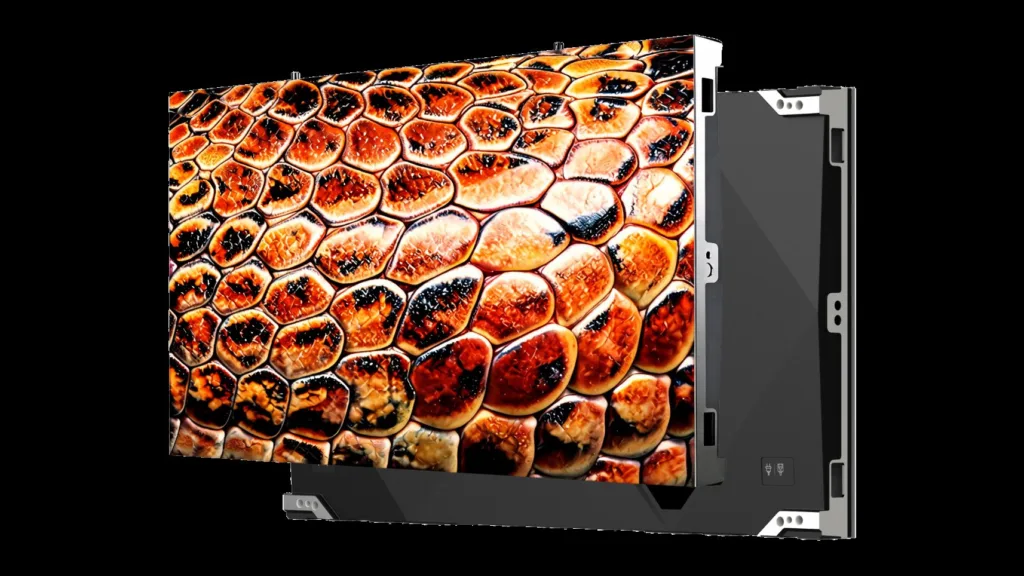
Cobra cabinets, front and rear. Official Planar imagery.
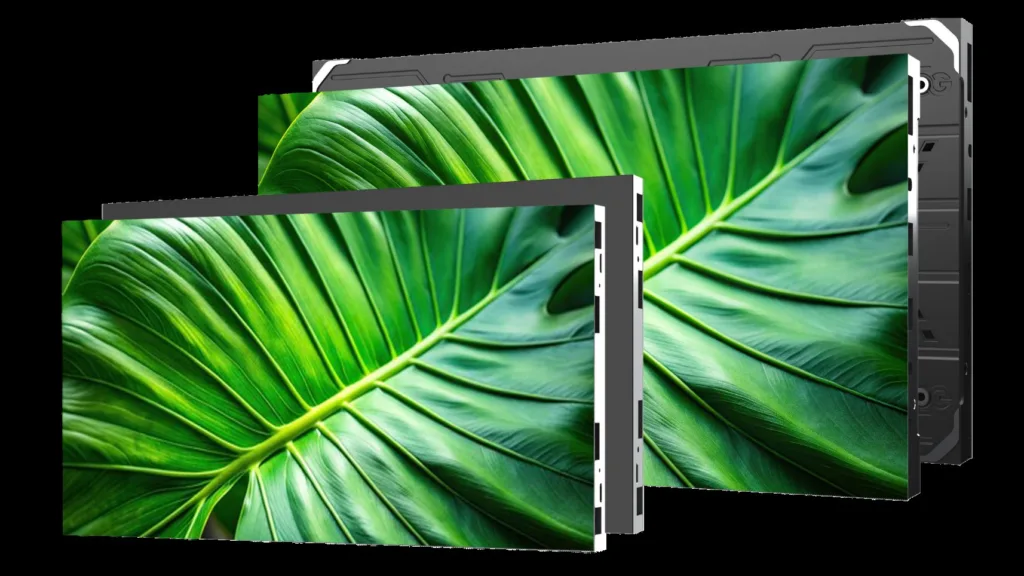
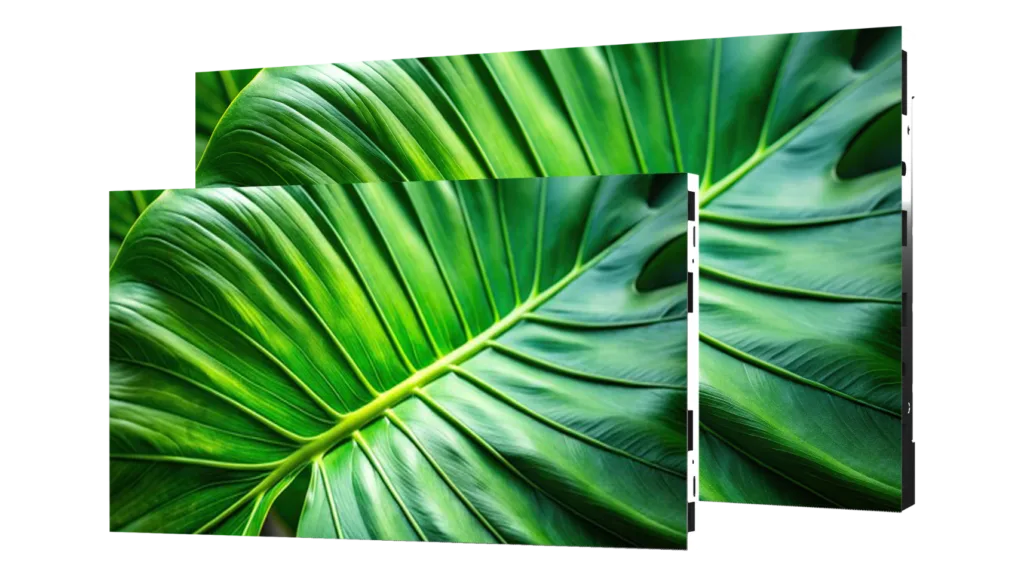
Komodo cabinets, front and rear. Compare the complete enclosure and system.
A closer look at Komodo.
Planar’s InfoComm 2026 presentation of Komodo and its processing platform.
03
Compare the canvas at the same native resolution.
A 640 × 360-pixel cabinet can have different physical dimensions. Komodo 0.7 uses a 480 × 270 mm cabinet; Komodo 0.9 uses 600 × 337.5 mm. A 6 × 6 array reaches native UHD with 36 cabinets in either case, but occupies 2.88 × 1.62 m or 3.60 × 2.025 m respectively.
Cobra 0.9 also offers a 600 × 337.5 mm cabinet with a 640 × 360 pixel grid, so the equivalent 6 × 6 calculation gives a 3.60 × 2.025 m UHD canvas. This creates a useful common geometry for a demonstration. It does not establish identical picture performance, power needs, mounting or total system cost.
Komodo 0.7
2.88 × 1.62 m
36 cabinets · 3,840 × 2,160 native pixels
Calculated active image
Komodo 0.9 / Cobra 0.9
3.60 × 2.025 m
36 cabinets · 3,840 × 2,160 native pixels
Calculated active image
THE MALIBU WIRED PERSPECTIVE
Choose the image width and closest seat together. Native 4K tells you the pixel count; it does not tell you how much wall the image occupies.
A long view of display engineering.
Planar’s display work dates to 1983. Its professional portfolio includes airport and U.S. federal government applications, alongside its residential products. That breadth does not make every model interchangeable: compare the specific Cobra or Komodo system, processing and service plan for your room.
04
Make the demonstration specific to your room.
Bring familiar content: a dark scene with subtle shadow detail, natural faces, fast motion and the artwork you actually want to display. Assess the image from the nearest and farthest seats, at comfortable brightness. Check scaling for mixed aspect ratios rather than evaluating only a full-screen manufacturer loop.
Then compare installation scope: mounting, processing, power, cooling, calibration, access and service terms. Our configurator can explore supported flat Cobra and Komodo arrays. Use its cabinet count and room layout to begin a conversation, then confirm the complete system with Malibu Wired.

AI-generated car-lounge concept. Use your room dimensions and seating to assess a quoted system; this image illustrates a room idea rather than a specific Cobra or Komodo installation.
Original manufacturer resources.
Manufacturer information checked October 16, 2026. Confirm the exact model, availability and complete system specification for your project.
Start with your space.
Share your room, preferred image size and the experiences that matter most. We will use those details to shape the next design conversation.