Apple Music now has a direct home in BluOS. Announced on October 20, 2026, the new integration lets subscribers browse and play Apple Music from the BluOS Controller app on compatible Bluesound systems.
Your music, streamed by the player
The practical change is where playback happens: the Bluesound player receives the stream itself, reducing its reliance on your phone or tablet. AirPlay 2 remains available, so you can choose the listening method that suits you.
The service brings Apple Music’s catalog of more than 100 million songs, along with recommendations, curated playlists and radio programming, into BluOS. Listen in one room or group compatible players to share music around the home.
Support arrives through a free BluOS software update; an active Apple Music subscription is required. The announcement also covers compatible BluOS products from NAD Electronics, PSB Speakers, DALI, Cyrus and Monitor Audio. Compatibility applies to BluOS-enabled products, rather than every product from those brands.
What about Lossless or Hi-Res?
Official information checked October 21, 2026: the Bluesound and BluOS launch announcements confirm native Apple Music playback, but do not specify a codec, bitrate, sample rate or Lossless/Hi-Res support for this integration.
Bluesound describes BluOS itself as capable of lossless audio up to 24-bit/192kHz. That platform capability does not establish the format delivered by Apple Music.
The older BluOS Apple Music Lossless support article, last updated in October 2023, describes a Mac/AirPlay workaround for 16-bit/44.1kHz ALAC. It does not document the new native integration. We have not found an official confirmation of native Apple Music Lossless or Hi-Res support.
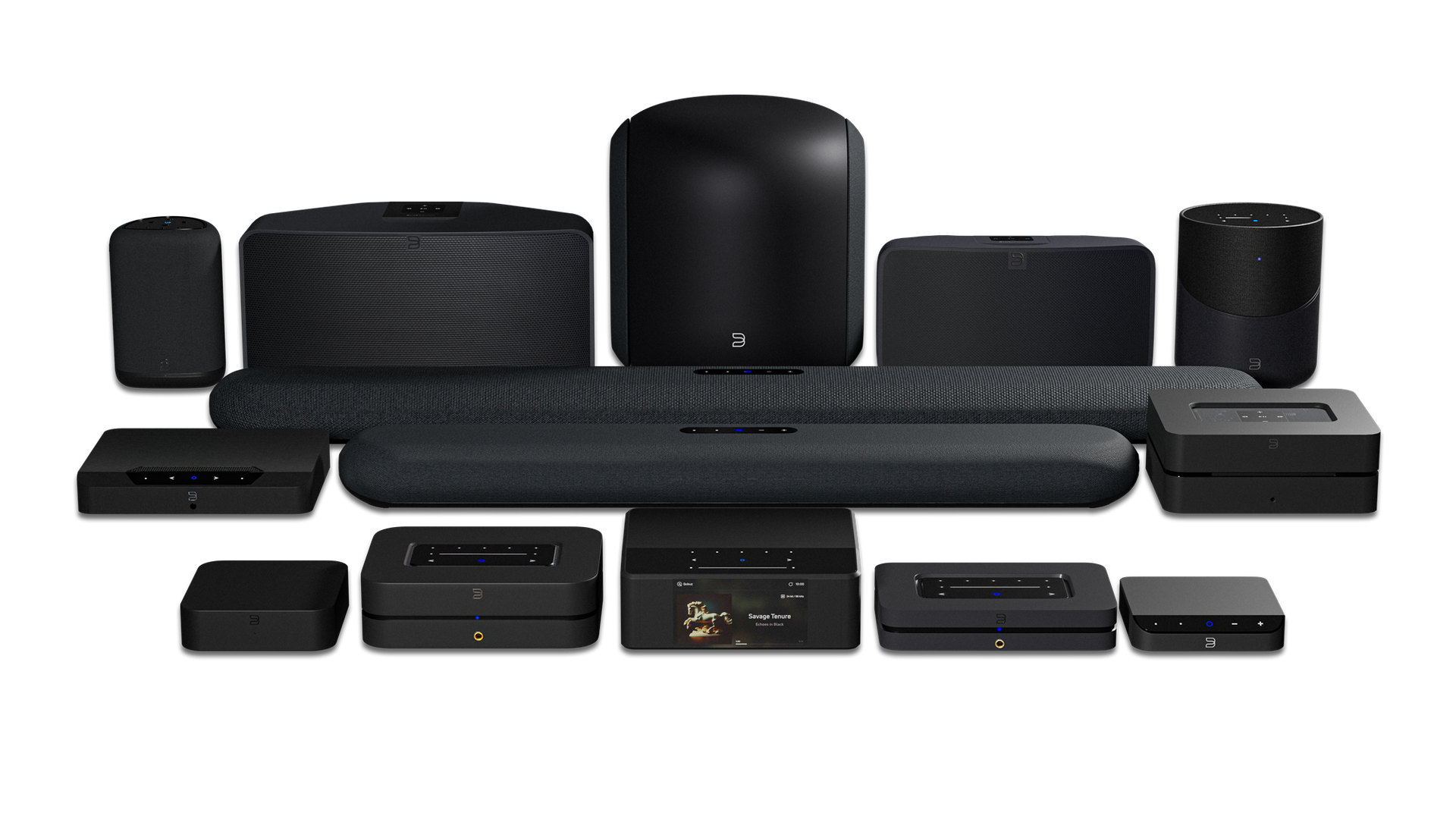
Playing in our showroom, right now
We are checking Apple Music playback in the Malibu Wired showroom today, October 21, 2026. Our own photos below show the service playing on our showroom system, with AAC 256 kb/s reported on both the player display and the BluOS Controller screen.
AAC 256 kb/s is a lossy stream, so this particular playback session is not Lossless or Hi-Res. This is an observation from the selected track and our current setup, rather than a claim that we have measured every track or established a limit for every compatible player. Our showroom checks are ongoing.
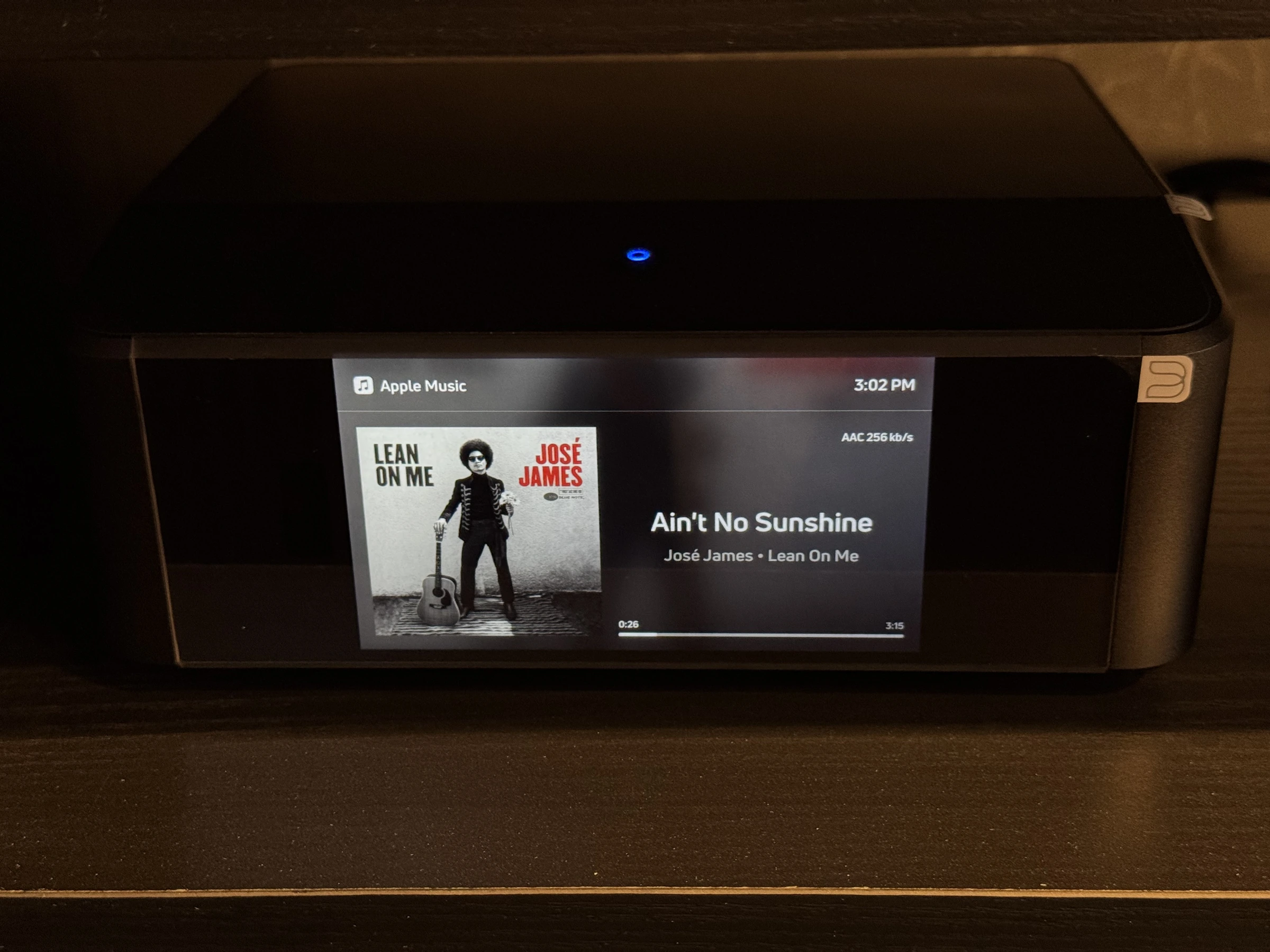
Our showroom player during Apple Music playback. The display reports AAC 256 kb/s for this session.
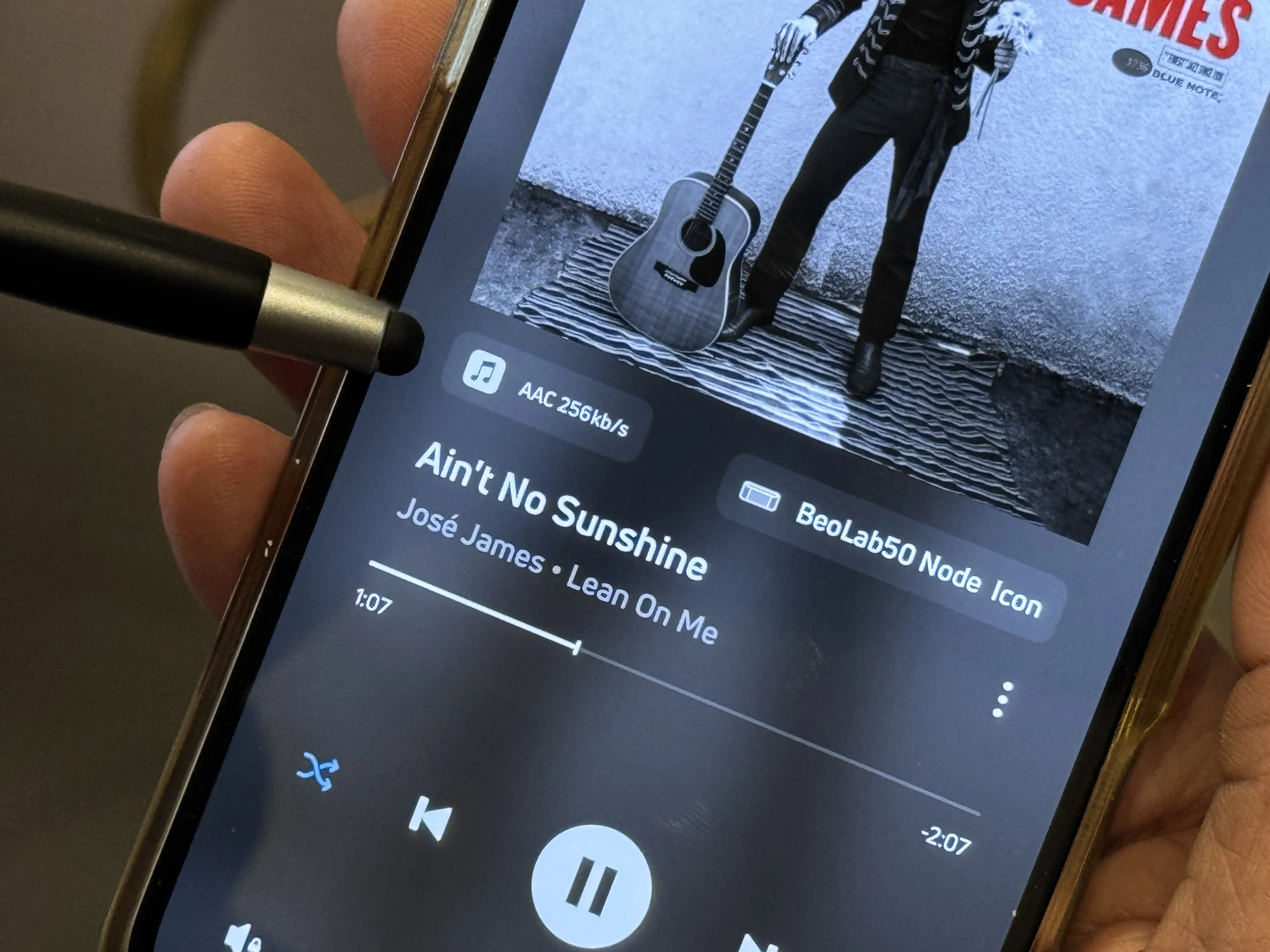
BluOS Controller during the same check, showing the AAC 256kb/s badge. Photos: Malibu Wired, October 21, 2026.
How to add Apple Music
Start by updating your compatible player to the latest available BluOS software. Then, on iOS or Android:
- Open BluOS Controller and select the Music tab.
- Under Music Services, choose Manage.
- Select Apple Music and complete sign-in with your subscription account.
These menu steps follow the official BluOS setup guide.
Setting up multiple rooms? Sign in to Apple Music on each player you intend to use. BluOS stores the account on the individual player, so signing in on one does not automatically sign in the others. The BluOS support note confirms that both players need sign-in before using Apple Music in a group.
Planning music throughout your home
For a home that already uses Apple Music, this adds a convenient option when planning whole-home audio. Room coverage, speaker placement, network reliability and everyday controls still deserve attention alongside the streaming service.
Malibu Wired can help review an existing Bluesound system or plan audio for a new space, starting with how you want to listen and the equipment you already own.
Sources: Bluesound’s October 20 announcement and BluOS’s platform announcement. Featured product imagery: Bluesound, supplied with its announcement. Showroom photographs: Malibu Wired, October 21, 2026.