
The system you know.
A new way to use it.
“Do you still upgrade Control4 systems?” We hear this often. Yes. At Malibu Wired, upgrading existing Control4 homes is a regular part of our work.
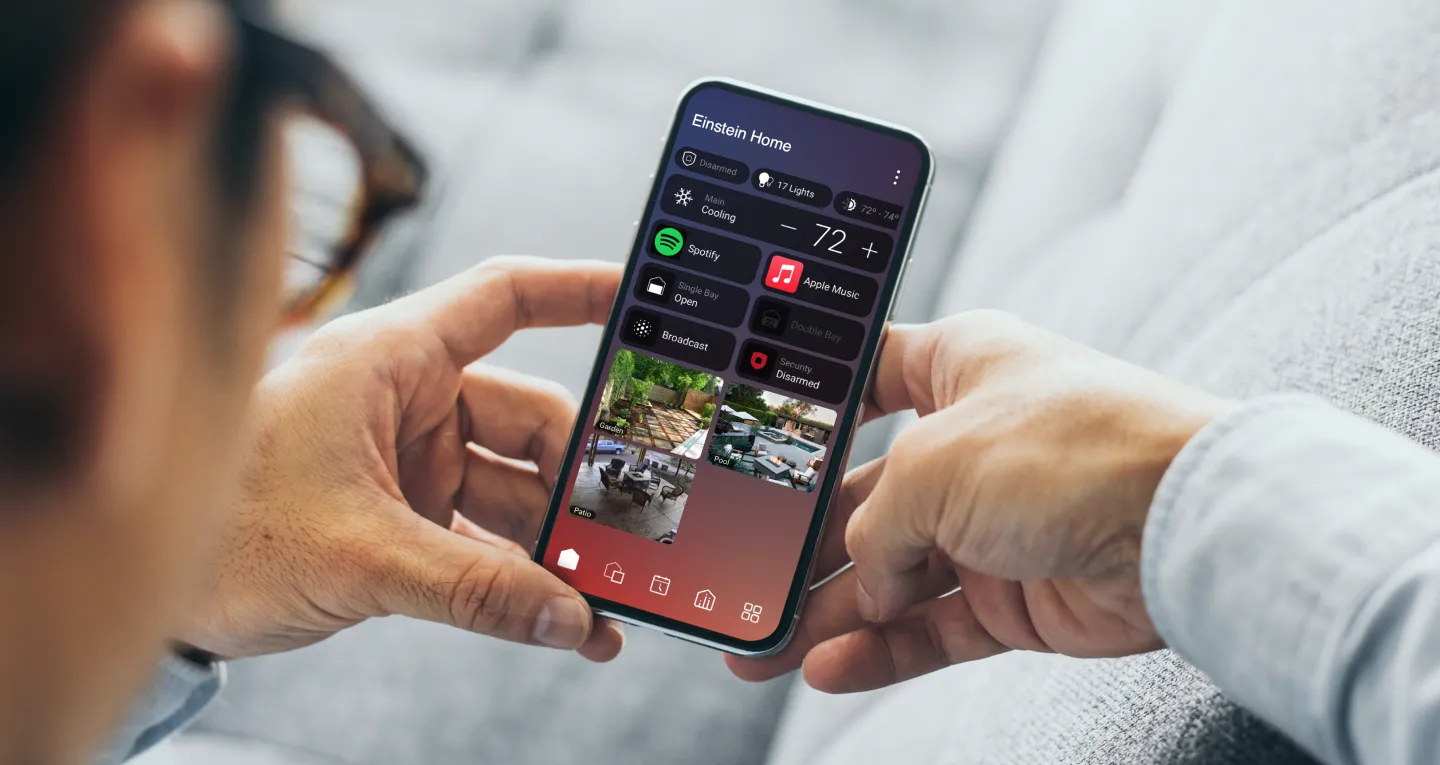
With X4, you can bring the controls you reach for most onto a single Home Screen. Think kitchen lights, the temperature upstairs and the music playing outside, all within easy reach.
The Control4 X4 experience · 24 sec
From room favorites to a home dashboard.
Room favorites were already part of OS 3. X4 lets you choose which favorites belong on your Home Screen and which stay with a room. Widgets can also surface a setting or status beside your shortcuts.
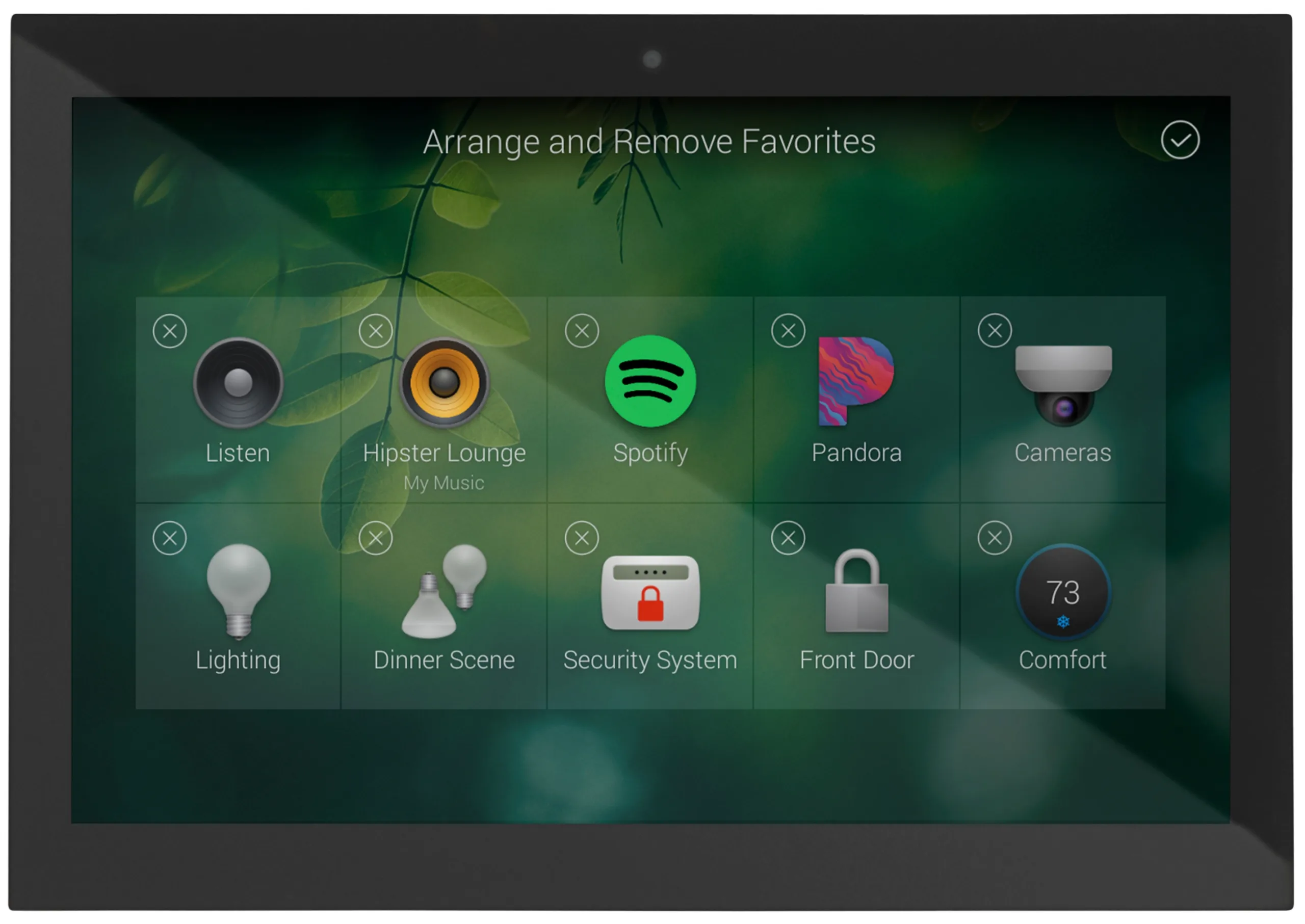
OS 3 · Room Favorites
Arrange shortcuts for music, lighting, cameras and other devices on a room’s screen.
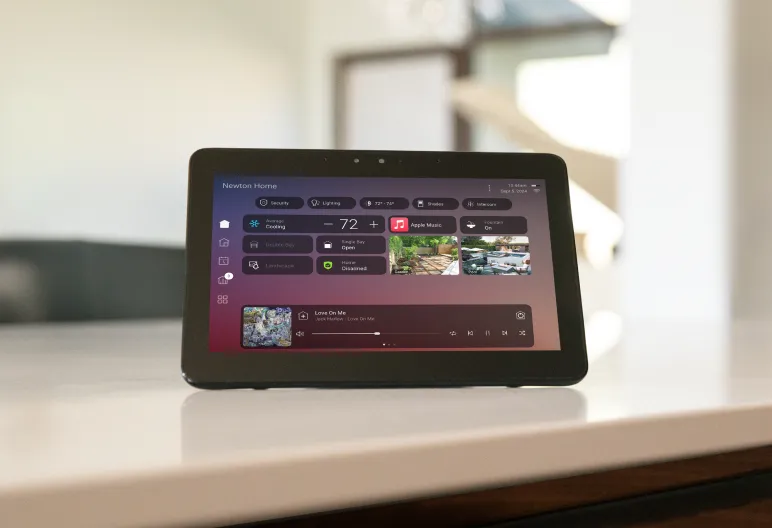
X4 · Home Screen
Bring selected controls from across the home together, with device status and active media on the same screen.
A closer look at X4 · 1 min 6 sec
See what’s within reach.
Check the temperature
A compatible climate widget can show the current setting and let you adjust it from the Home Screen.
Get back to the music
The mini player brings active media sessions to the Home Screen, so you can see what’s playing and get back to playback controls.
Give everyday routines a place.
Picture the end of the day. Lower the shades, bring the lights down and settle in. With supported devices and a configured X4 Routine, those actions can run together at a time you choose.
We start with the moments you want to make easier and shape your controls around them.

Start with what you already have.
Sometimes a new remote or a better room layout makes the biggest difference. Other projects call for a controller or network update. We check your software, devices and project access to see what can stay, what needs attention and whether X4 fits. We also explain any applicable services and recurring charges before work begins.
If you can, share an app screenshot, the controller or remote model and one thing you wish were easier. Our Control4 Upgrade Guide explains what we look at during a review.
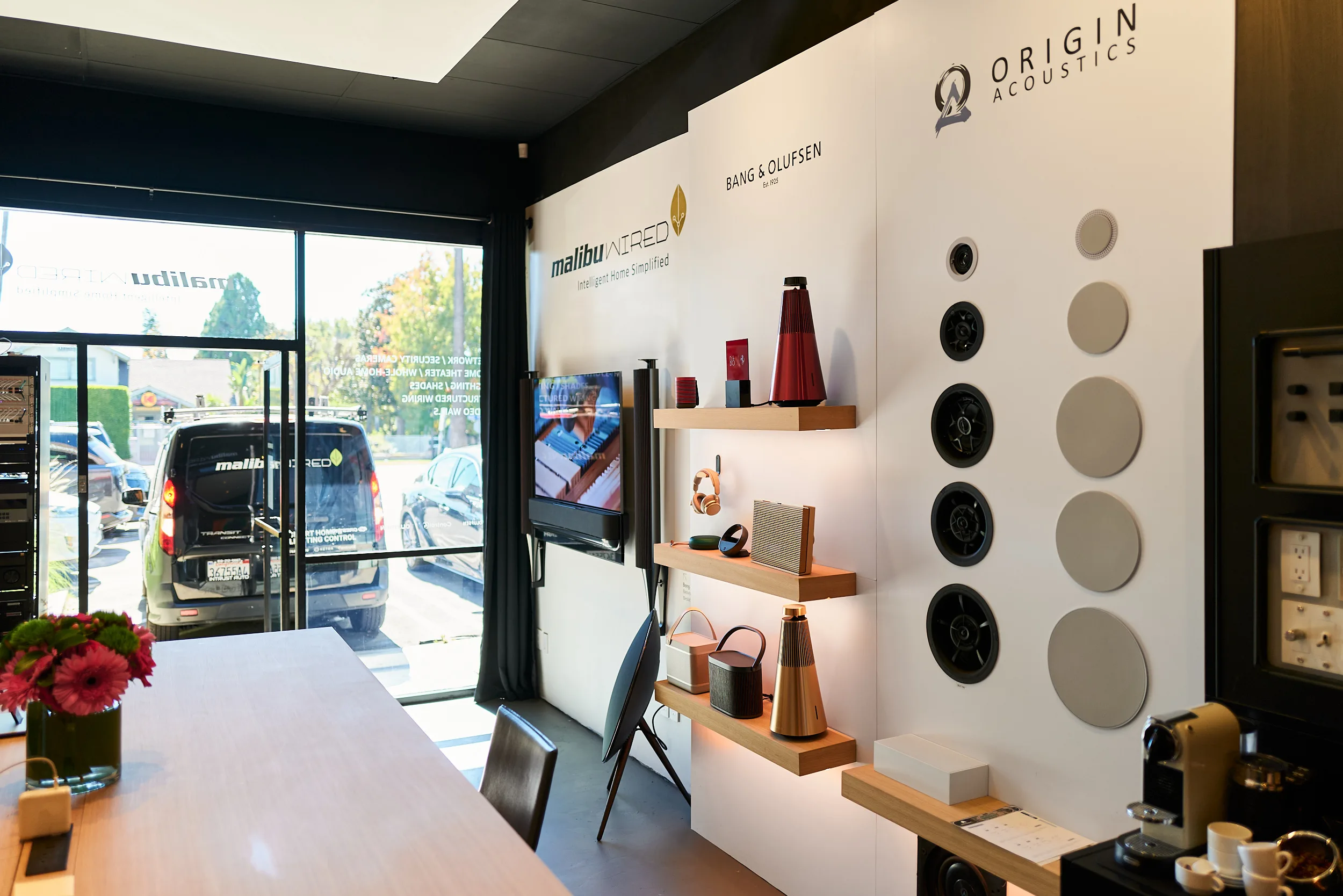
See X4 in West Hollywood.
Bring your questions about your current system to our Sunset Boulevard showroom. We can walk through the Control4 experience and talk about what an upgrade could change in your home.