
OUTDOOR ENTERTAINMENT / PLANAR
An outdoor video wall becomes part of the way a terrace works. Its location, exposure and viewing positions matter as much as the brightness on the specification sheet.
Start with the hours you expect to use it: a game by the pool, a film after sunset or entertainment under a covered patio. The display needs to suit those conditions, and the surrounding structure must support a practical, serviceable installation.
IN THIS ARTICLE
01
Study the light before choosing the wall.
Record the direction of the sun, shade through the day and the seats that matter most. Direct glare can change how an image looks even on a bright outdoor display. A location that works well at dusk may be uncomfortable at midday; an evening demo alone cannot answer both questions.
Planar’s Luminate Ultra W family is an outdoor MicroLED display option rated at 3,000 nits, with front and rear IP65 protection and GOB surface treatment. Those specifications help define a candidate, but they do not replace a site assessment or establish that the complete mounted system can ignore weather and drainage.

Outdoor application inspiration from Planar, using its Luminate Pro pool imagery. This is not an installed Luminate Ultra W example.
02
Separate physical size from native resolution.
Luminate Ultra W is offered in nominal 1.3, 1.6 and 2.0 mm pitches, with Complete configurations as well as custom arrays. In the Complete range, the 115-, 145- and 173-inch options are Full HD, while the 231-inch option is UHD. A larger physical screen does not automatically mean a larger native pixel grid.
For a custom 1.3 example, a 640 × 360 mm cabinet carries 480 × 270 pixels. An 8 × 8 array uses 64 cabinets, creates a 5.12 × 2.88 m active image and reaches 3,840 × 2,160 native pixels. These calculated image dimensions exclude the mount and surrounding construction.

Planar’s Luminate Ultra W Complete size and resolution diagram. Verify the exact selected configuration in the current brochure.
03
Engineer the installation as an outdoor system.
The structure, fixings, cabling and electrical design need to suit the location. Consider exposure, drainage, wind loading, corrosion conditions and service access. A product’s ingress-protection rating does not certify the wall behind it, the cable penetrations or the finished building detail.
Plan the audio and everyday controls too. Outdoor seating is rarely arranged like a cinema, and sound levels that feel right by the screen may carry toward neighboring properties. A useful design includes comfortable evening brightness, simple source selection and a way to maintain the system without dismantling the terrace.
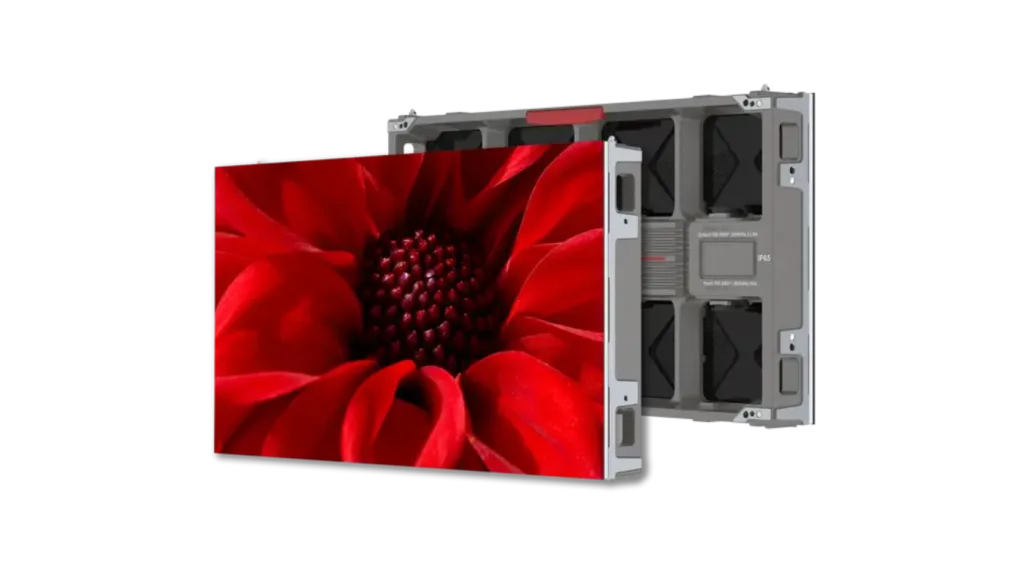
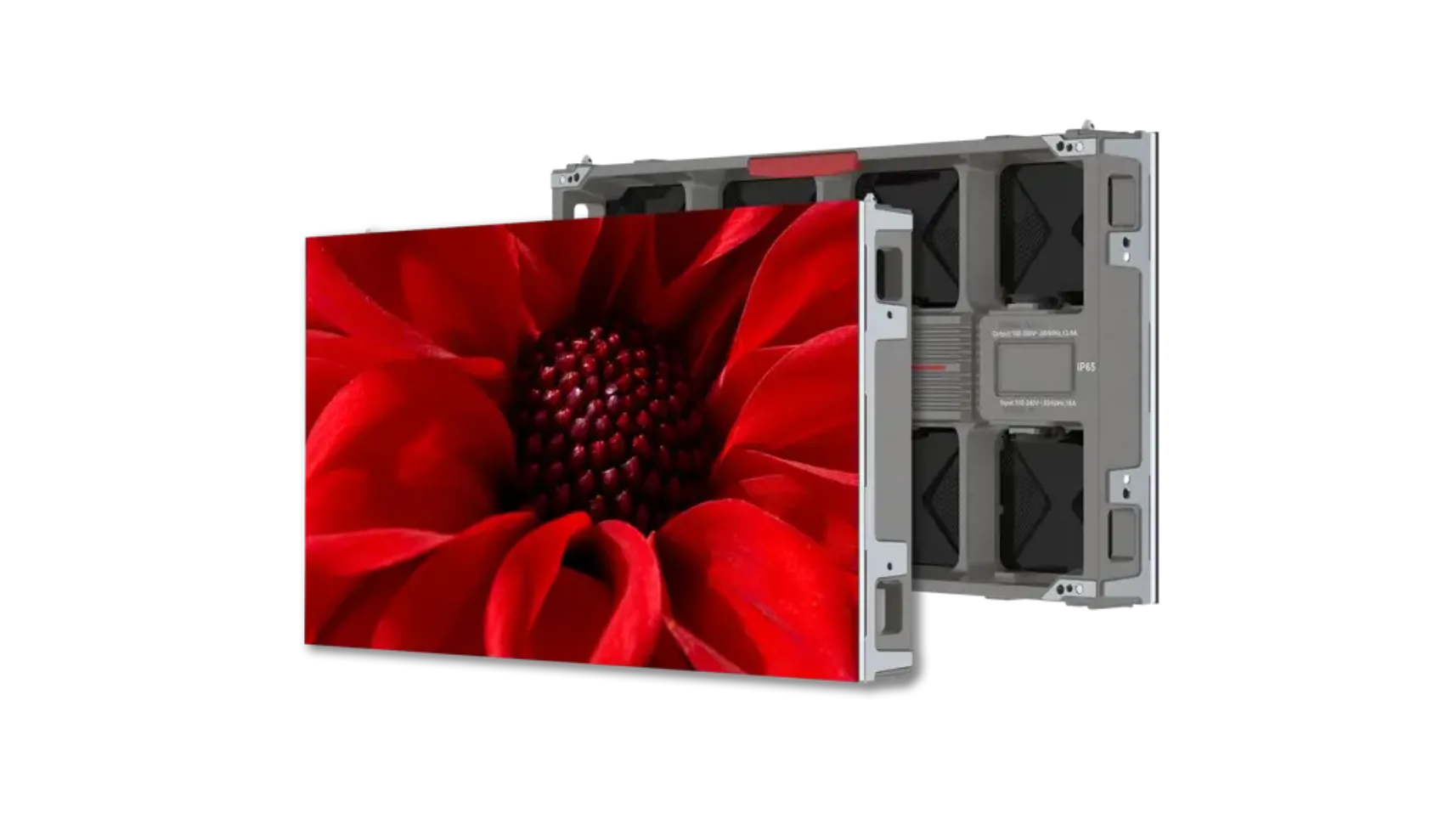
The Luminate Ultra W cabinet, shown front and rear in official Planar imagery.
See Luminate Ultra W.
Planar’s CEDIA 2024 introduction. Consult the current manufacturer brochure for the selected model’s specification.
04
Create a brief that can become a real proposal.
Photograph the site in daylight and after dark. Measure the available mounting area and the nearest and farthest seats. Note the planned content and whether the screen will be in full exposure, partial shelter or a covered entertainment area.
Use the supported Luminate Ultra W options in our configurator for an initial size and cabinet study. The room model is a planning aid; it does not simulate outdoor sunlight, weather or structural loads. Send the configuration with your site photographs so we can develop the display, audio and installation scope together.
Original manufacturer resources.
Manufacturer information checked October 16, 2026. Confirm the exact model, availability and complete system specification for your project.
Start with your space.
Share your room, preferred image size and the experiences that matter most. We will use those details to shape the next design conversation.